

C++ Study Materials Built for Clear Code Reading
Shop allSmall Details That Shape Better Study
-

Structured Modules
Each section moves from topic notes to code reading and guided practice.
-

Readable Examples
Examples show C++ ideas through short code blocks and plain explanations.
-

Practical Tasks
Tasks invite learners to trace values, compare lines, and write notes.
-

Steady Review
Recap pages gather key points for later reading and repeated study.


-
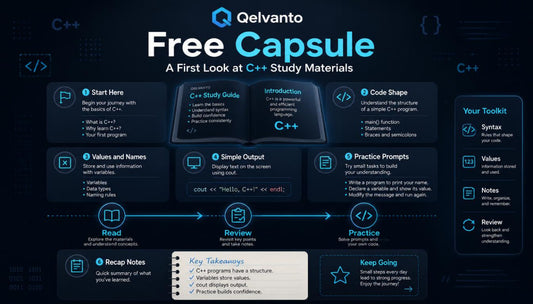
Free Capsule
Regular price €0,00 EURRegular price -
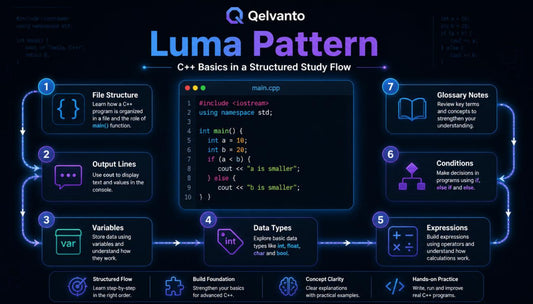
Luma Pattern
Regular price €65,00 EURRegular price -
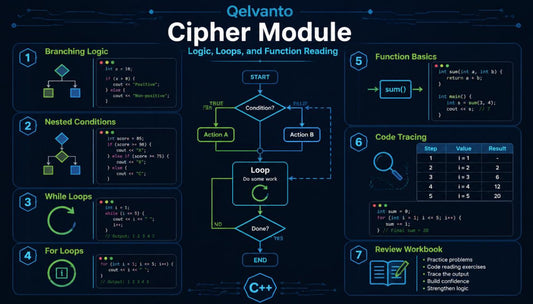
Cipher Module
Regular price €118,00 EURRegular price -
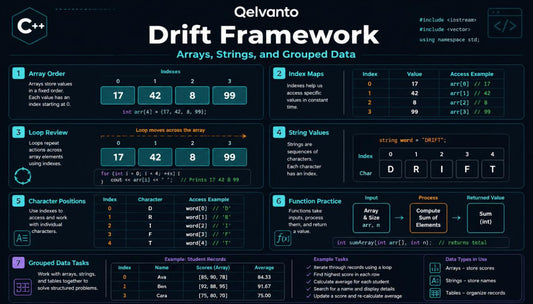
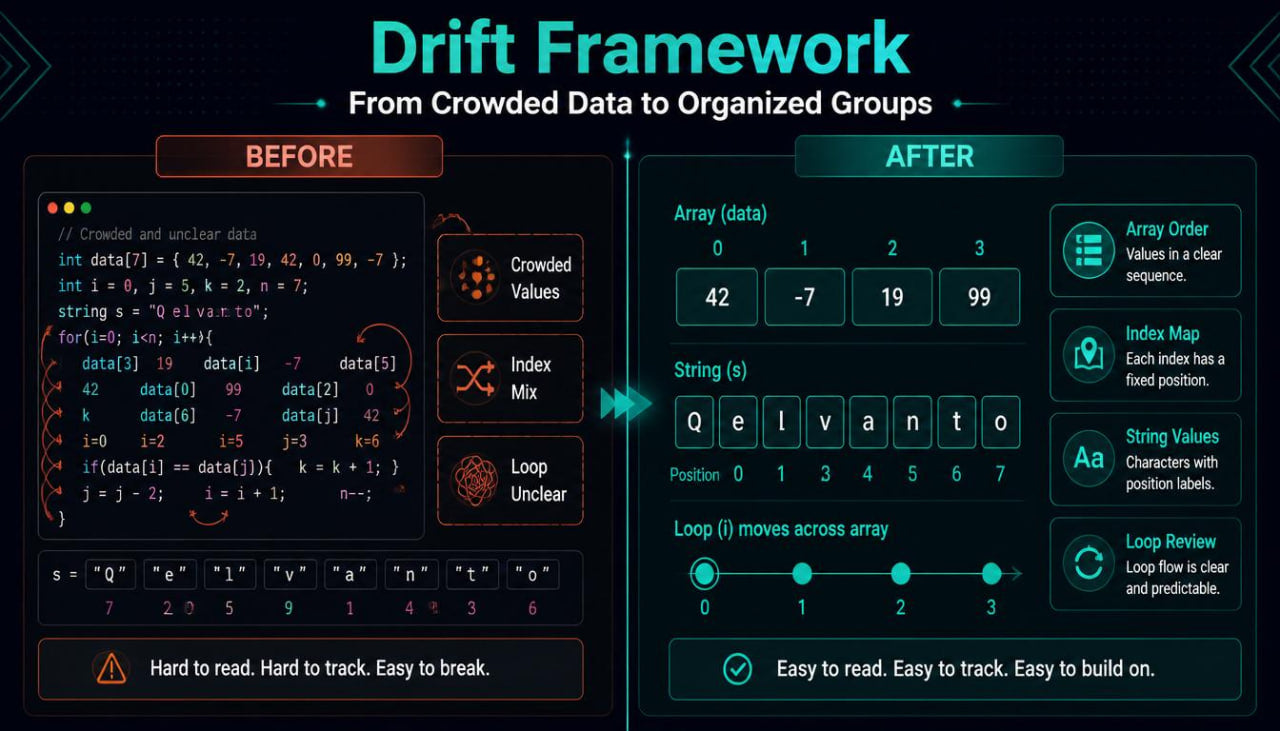
Drift Framework
Regular price €173,00 EURRegular price -
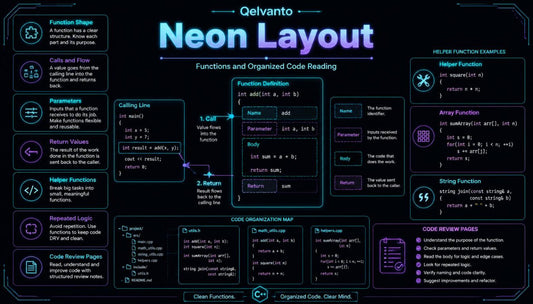
Neon Layout
Regular price €191,00 EURRegular price -
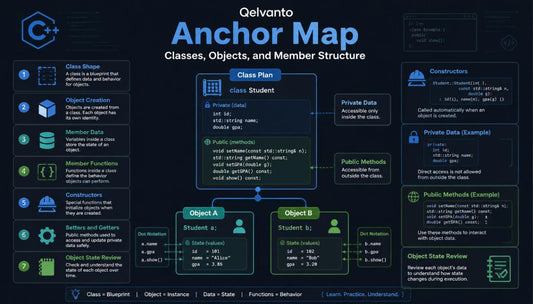
Anchor Map
Regular price €201,00 EURRegular price -
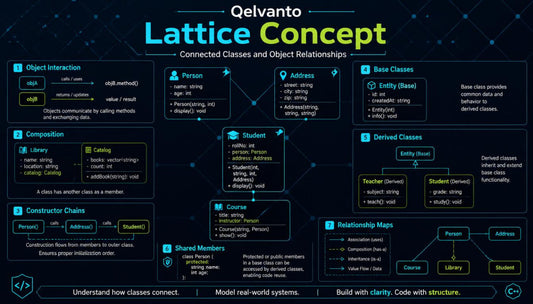
Lattice Concept
Regular price €216,00 EURRegular price -
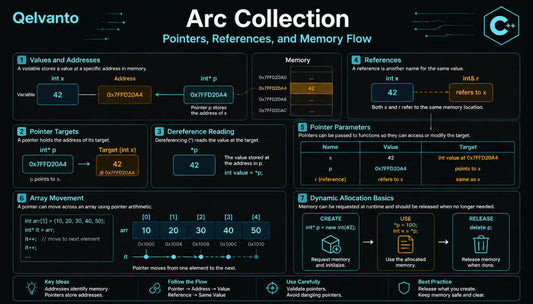
Arc Collection
Regular price €246,00 EURRegular price -
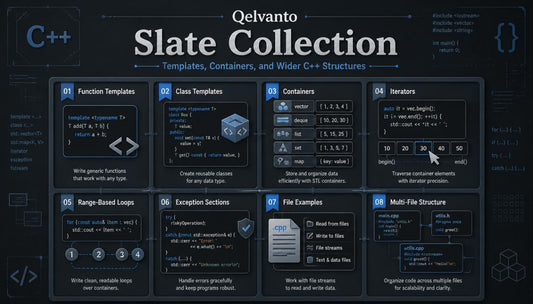
Slate Collection
Regular price €297,00 EURRegular price -
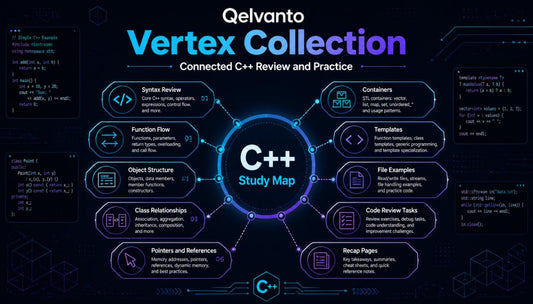
Vertex Collection
Regular price €483,00 EURRegular price










Built From a Small Study Idea
People Behind the Pages
-

Adem Reed
C++ Syntax Reviewer
Adem reviews syntax examples for readable study flow.
He checks brackets, statements, and naming patterns carefully.
His notes help keep each module organized. -

Daria Cole
C++ Code Designer
Daria designs reading tasks for compact C++ examples.
She builds prompts around values, paths, and structure.
Her sections guide learners through careful observation. -

Asher Byrne
C++ Logic Exercise Builder
Asher prepares logic tasks for structured code practice.
He works with branches, loops, and tracing tables.
His sections support careful review and steady study.


Teaching C++ With Shape and Clarity


30-days refund guarantee
Notes From the Study Journey
-

Merrick Saver
Merrick came to Qelvanto after studying scattered C++ notes and feeling unsure about how variables, conditions, and loops connected inside one example. He found the structured modules and recap pages helpful because each topic was shown with code notes, practice prompts, and review sections. “Qelvanto gave me a calmer way to read C++ examples and understand what each part was doing.”
-

Andrew Belos
Andrew started with basic C++ knowledge but had trouble following functions, parameters, return values, and longer code blocks.
He found the function-focused materials helpful because they separated calls, values, and return lines into clear study steps.
“The function sections helped me slow down, follow value movement, and review code with
better order.”


Start With a Free Study Glimpse
Learn on All Device


Look Inside the Learning Flow
As Seen On


